- In a web browser, navigate to outlook.office.com.
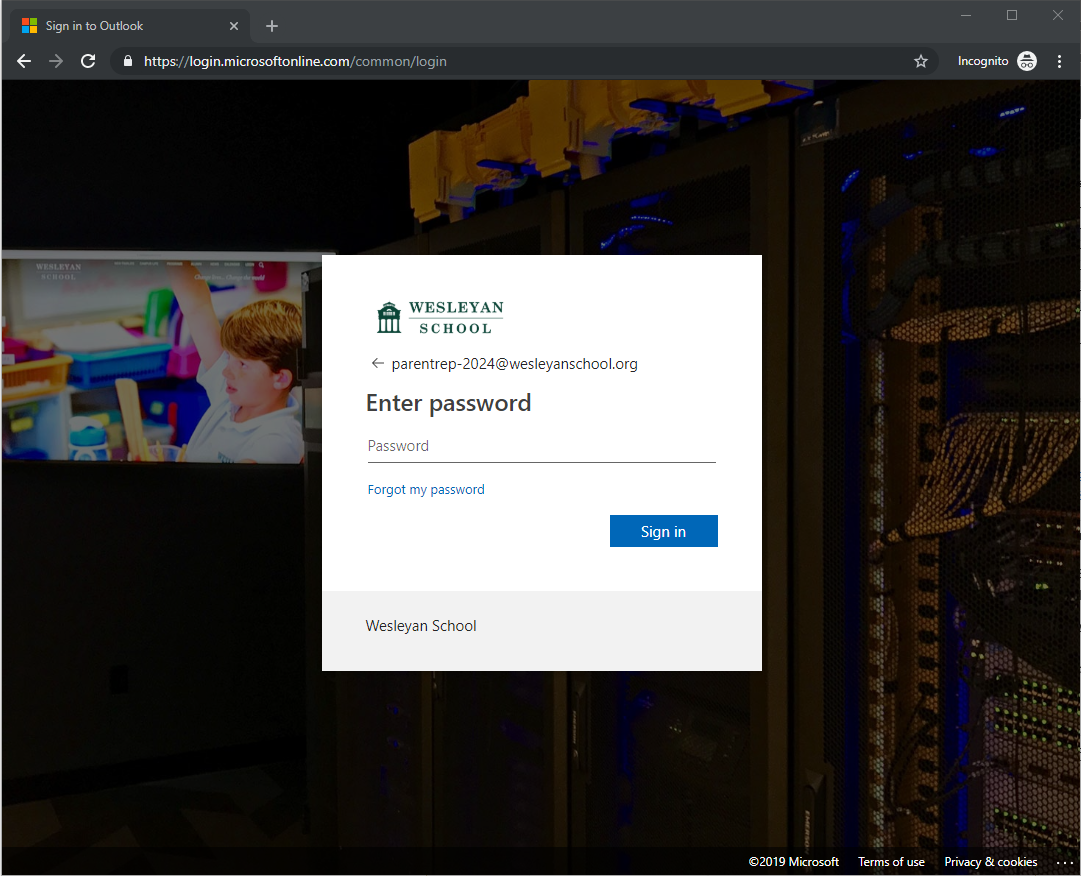
- Enter the email address provided to you by your division principal. When prompted, enter your password:
- Once logged in, you may have to choose your time zone because it is the first time logging into the account. Once you move past that you should be presented with an Outlook inbox that looks like this:

- From here, you will be able to see emails that are received on the account. Pressing the '+ New' button will start a new email.
- To email your grade level's parents, you will need to retrieve the latest parent list from Blackbaud using these instructions. Once you have copied the list, either paste it into the "To:" field or the "BCC:" field. We recommend using the BCC field so that parents who reply-all don't flood everyone else's inboxes.
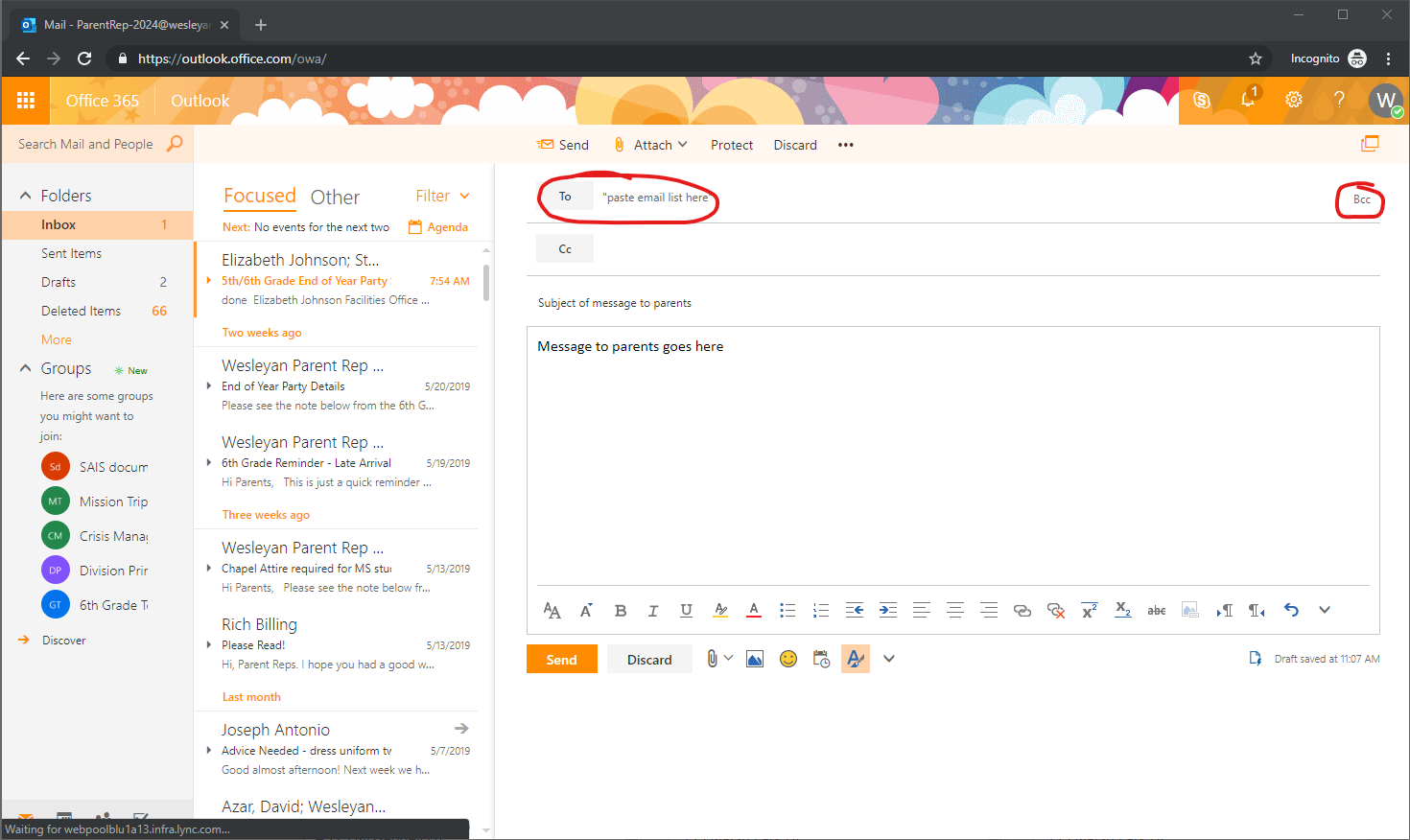
- When you're ready to send your email just press send and the parents in the grade should receive it.
Parent Representative Email Access

Comments
0 comments
Article is closed for comments.