- Open the Clever app from the home screen.
- Proceed to login.
- When the camera opens up, hold the badge up to the camera.
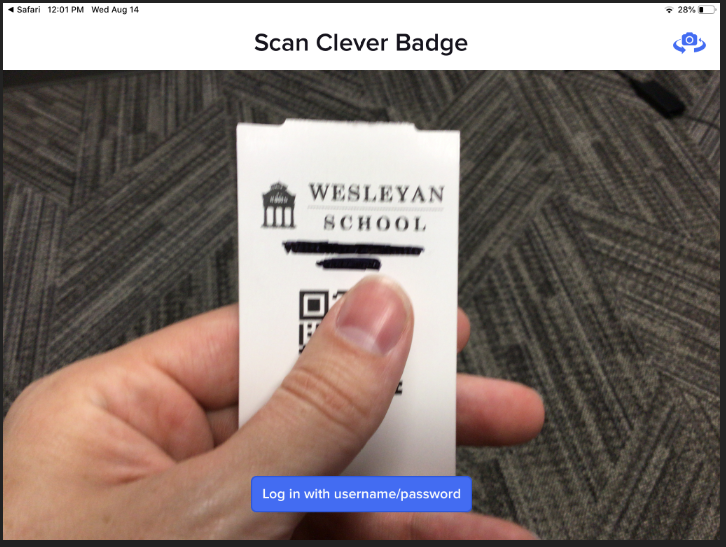
- Once the badge is recognized, a green check mark will appear. ✔
- When the camera opens up, hold the badge up to the camera.
- Once logged in successfully via Clever, you will be taken to the portal.
- Press on the IXL icon that is on the screen.

- You will not be taken straight into the IXL app where you can work on math.
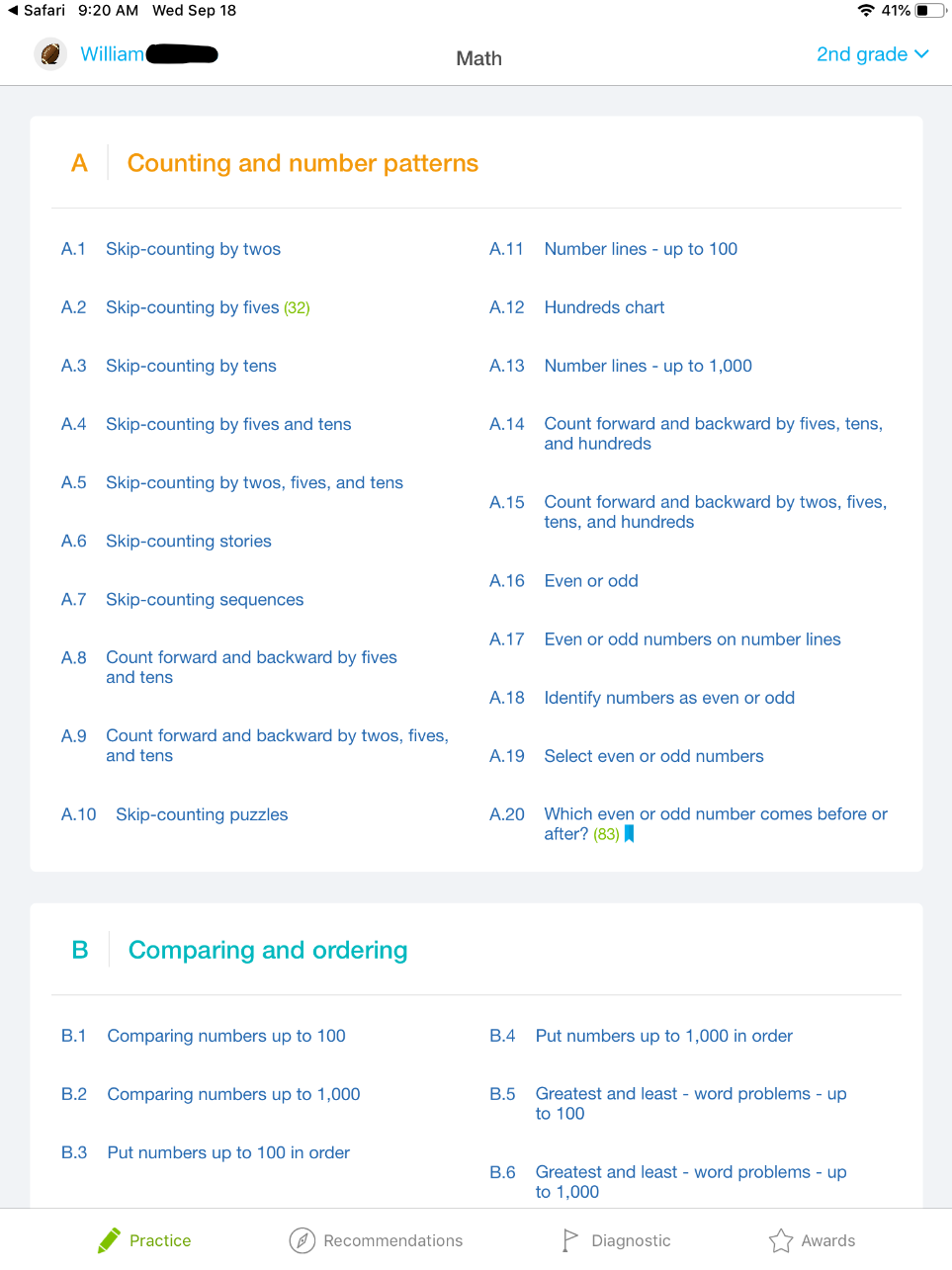
Logging into IXL as a student

Comments
0 comments
Article is closed for comments.