
Please follow these instructions to login to Blackbaud.
- Navigate to https://wesleyanschool.myschoolapp.com/
- In the Username or Email box, type your school email address
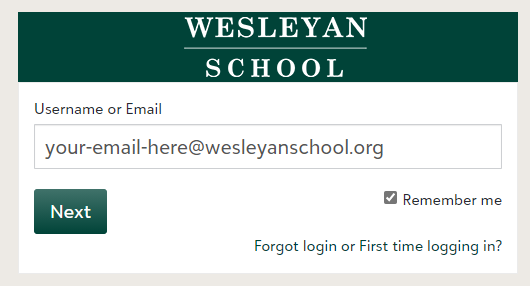
- If you would like your email address to be remembered the next time you login, check Remember Me
- Press Next
- If you are logging into Blackbaud on your school issued computer, you should not have to type a password in
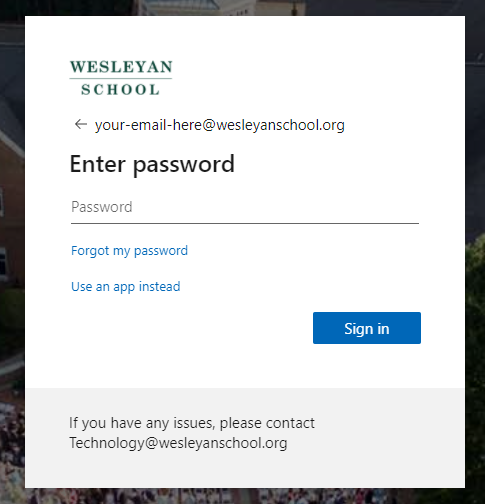
- If you are on different device, you will see a password prompt... Type your password in to continue
- You should now be logged in

Comments
0 comments
Article is closed for comments.