
If you would like to use more than one monitor in your remote desktop session, please follow these steps:
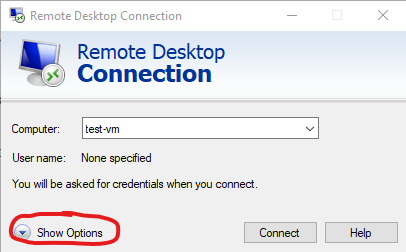
- Open the Remote Desktop Connection app.
- In the bottom left, click on Show options.
- Click on the Display column.
- Make sure Use all my monitors for the remote session is checked.

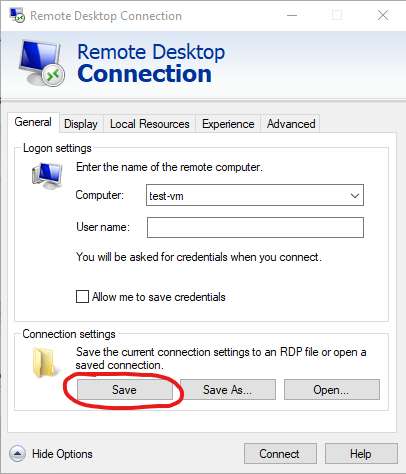
- Click on the General tab and press Save. This will make sure the checkbox persists in all of your remote sessions moving forward.
- Proceed with connecting as usual.
Comments
0 comments
Article is closed for comments.